A practical checklist to set up and keep your Google Business Profile complete and active, so customers in the UAE find you on Google Maps and call you.
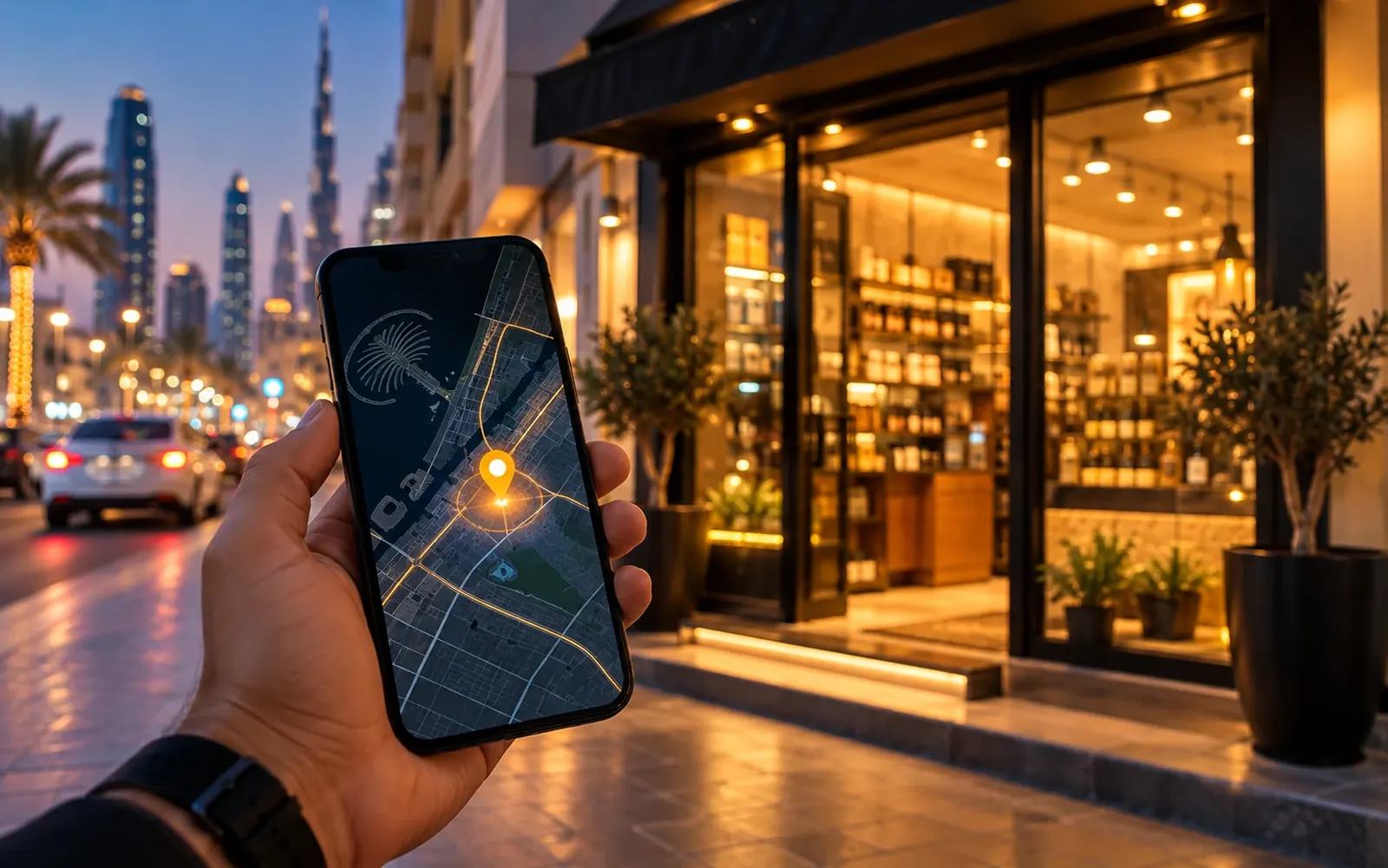
When people in Dubai, Abu Dhabi or Sharjah search for a service nearby, one of the first things they see is a map with a few businesses listed under it. Those listings come from Google Business Profile.
For many local businesses (restaurants, salons, clinics, spas, shops and home services) this listing brings more calls than the website itself. It is free, and most of the work is simply filling it in properly and keeping it alive.
Use this checklist to set yours up or to check the one you already have.
Why it matters
Your Google Business Profile shows people the things they want to know in a few seconds: what you do, where you are, whether you are open, how to call you, what others think of you and what your place or work looks like.
Google uses the information in your profile, along with how relevant and active it looks, to decide which businesses to show for a search. A complete, active profile gives Google more reasons to show yours and gives customers more reasons to choose you.
1. Set up and verify
- Search for your business on Google Maps first. If a listing already exists, claim it instead of creating a duplicate.
- Use the exact business name your customers know, without extra keywords added to it.
- Choose the most specific primary category you can, then add a few accurate secondary categories.
- Verify the profile. Google offers different methods depending on the business; follow the one it gives you.
- Set your address if customers visit you, or your service areas if you visit them. You can hide your address if you work from home.
Getting the category right is one of the most important choices. “Day spa” and “Massage therapist” are shown for different searches, so pick the one that matches what people actually look for when they need you.
2. Fill every field
- A phone number that someone actually answers, and WhatsApp if you use it.
- Your website link, pointing to the most relevant page.
- Opening hours, including special hours for Ramadan, Eid and public holidays.
- Services or products with short, clear descriptions, and prices where you are comfortable showing them.
- Attributes that apply to you, such as online appointments, wheelchair access or women-led.
- A business description in plain language: what you do, for whom and where.
- Booking or ordering links, if your booking system supports them.
Every empty field is a question a customer has to ask you instead of finding the answer immediately. Fill them all in, and keep them accurate.
3. Photos that earn clicks
- Logo and a strong cover photo.
- Real photos of your place, team, products and results.
- Photos of the outside of your building, so people can find you.
- New photos regularly, rather than all at once and never again.
- No stock images. Customers can tell, and they trust them less.
Photos are often the first thing people look at. A listing with clear, recent, real photos feels like an active business. A listing with one blurry logo feels closed.
4. Keep it active
- Post updates for offers, new services, events or seasonal news.
- Answer questions in the questions and answers section, and add common questions yourself.
- Ask real customers for reviews at the right moment, for example right after a good experience, with a simple direct link.
- Reply to every review, good or bad, politely and quickly.
- Update hours, services and photos when anything changes.
About reviews: never buy them, write them yourself or offer rewards in exchange for positive ones. It breaks Google’s rules, can get reviews removed or the profile restricted, and customers notice. A steady flow of genuine reviews, with thoughtful replies, is worth far more.
When you reply to a negative review, stay calm, thank the person, explain briefly what you are doing about it, and offer to continue the conversation privately. Future customers read your replies as much as the reviews.
5. Connect it to your website
- Use the same business name, address and phone number on your website and on your profile.
- Add local business structured data to your website, so Google can match the two.
- Create a page on your website for each main service, and for each main area if you serve several.
- Link from your profile to the page that matches what the customer was looking for, not always the homepage.
Your website and your profile support each other. The profile brings people in from Maps; the website answers the questions the profile cannot, and helps Google trust that your business is real and well established.
6. Check the results
Google shows insights for your profile: how many people called, asked for directions, visited your website or found you through different searches.
- Look at these once a month.
- Note what you changed that month (new photos, new posts, new services).
- Keep doing what is followed by more calls and direction requests.
Results from local search build over time. Small, regular improvements usually beat one big push followed by silence.
Common mistakes to avoid
- Two listings for the same business. Ask Google to merge or remove duplicates.
- A different phone number on the profile and the website.
- Hours that are wrong during Ramadan or holidays.
- Keywords stuffed into the business name.
- Ignoring reviews, especially negative ones.
Need a hand?
If you would rather have someone set it up properly and keep it active every month, we can audit and manage your Google Business Profile alongside your website. Book a free meeting and we will look at your listing with you.
Quick answers
Is a Google Business Profile free?
Yes. Creating and managing a Google Business Profile is free. You only need a Google account and a way to verify the business.
Can a home-based or delivery business have a profile?
Yes. Service-area businesses can show the areas they serve and hide their address.
How often should I update my profile?
Check it at least once a month, add new photos regularly, post updates when you have news or offers, and reply to every new review.
Written by the MindCrest Marketing team.